15-Minute Open-Slot Checklist
The step-by-step action sheet for handling a cancellation without stopping to figure out the process.

You already did the hard part: getting the booking.
The Cancelled Booking Fix Kit gives appointment-based teams a practical 15-minute response routine for filling open appointments, rebooking cancelled customers, and protecting booking value before the slot goes cold.
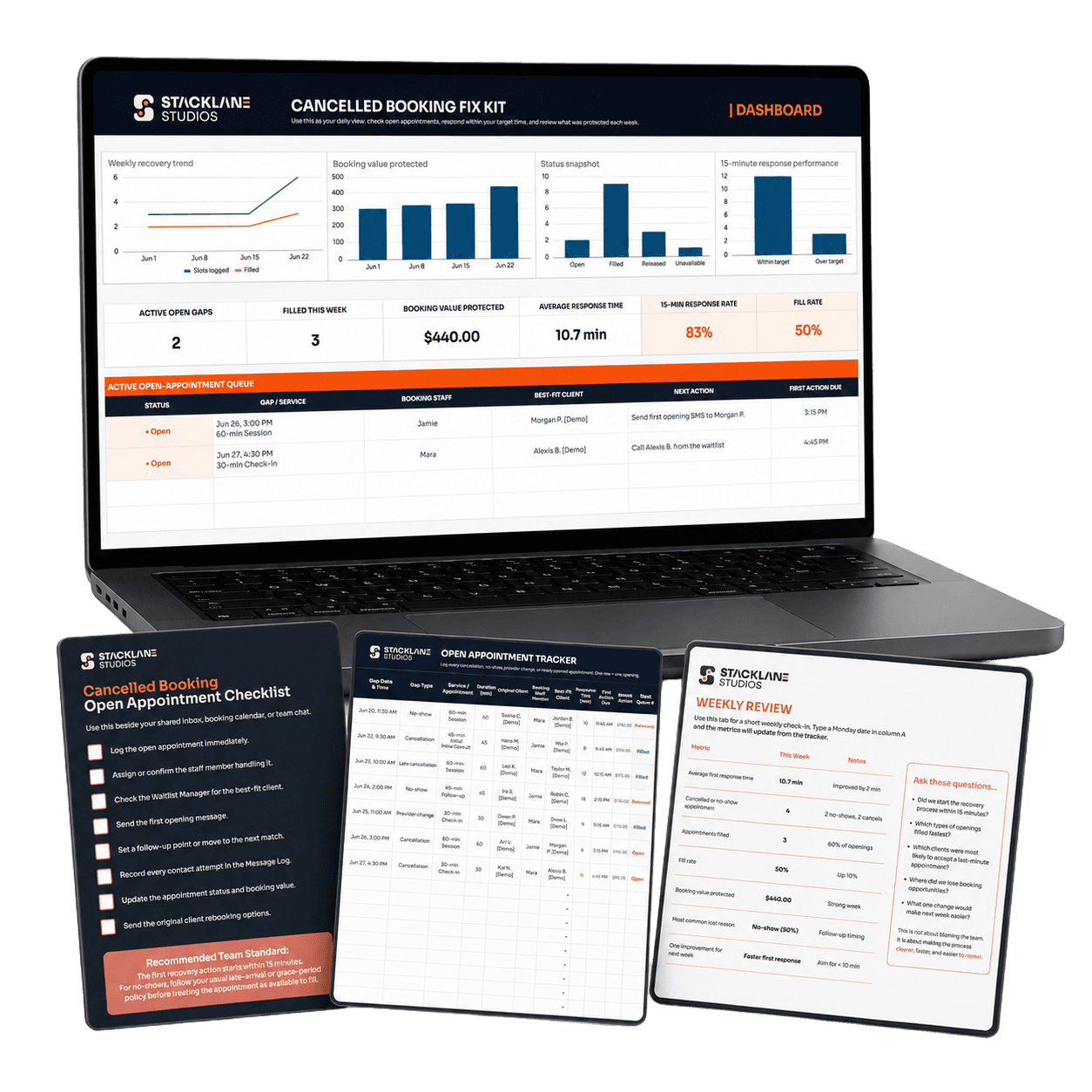
One-time payment. Includes the full kit, dashboard, templates, and bonuses. Covered by the 14-Day Booking Recovery Guarantee.
A customer cancels at 9:12 AM.
The front desk sees it, but someone walks in.
A staff member thinks the waitlist may have someone, but they are already handling another customer.
The opening gets mentioned in a group chat, then pushed up by more messages.
By the time someone checks again, the slot has been sitting there for nearly an hour.
The person who may have taken it has made other plans.
No one ignored the cancellation.
No one decided the appointment was not worth saving.
It just got swallowed by a busy day.
The Booking Recovery Gap is the stretch of time between a customer cancelling and one person clearly taking ownership of the opening.
That is where an appointment goes from recoverable to forgotten.
Your calendar can show an opening.
Your waitlist can hold names.
Your booking software can send notifications.
But none of those automatically tell your team:
This is not a people problem. It is a response-system problem.
One person is assigned before the cancellation disappears into the day.
The best-fit customer gets contacted first with a ready-to-send message and a clear reply window.
Track the result, protect the booking value, and give the original customer a clear rebooking path.
Inside the kit, these steps are supported by the F.I.X.E.D. Method: the complete five-part workflow your team can follow consistently.
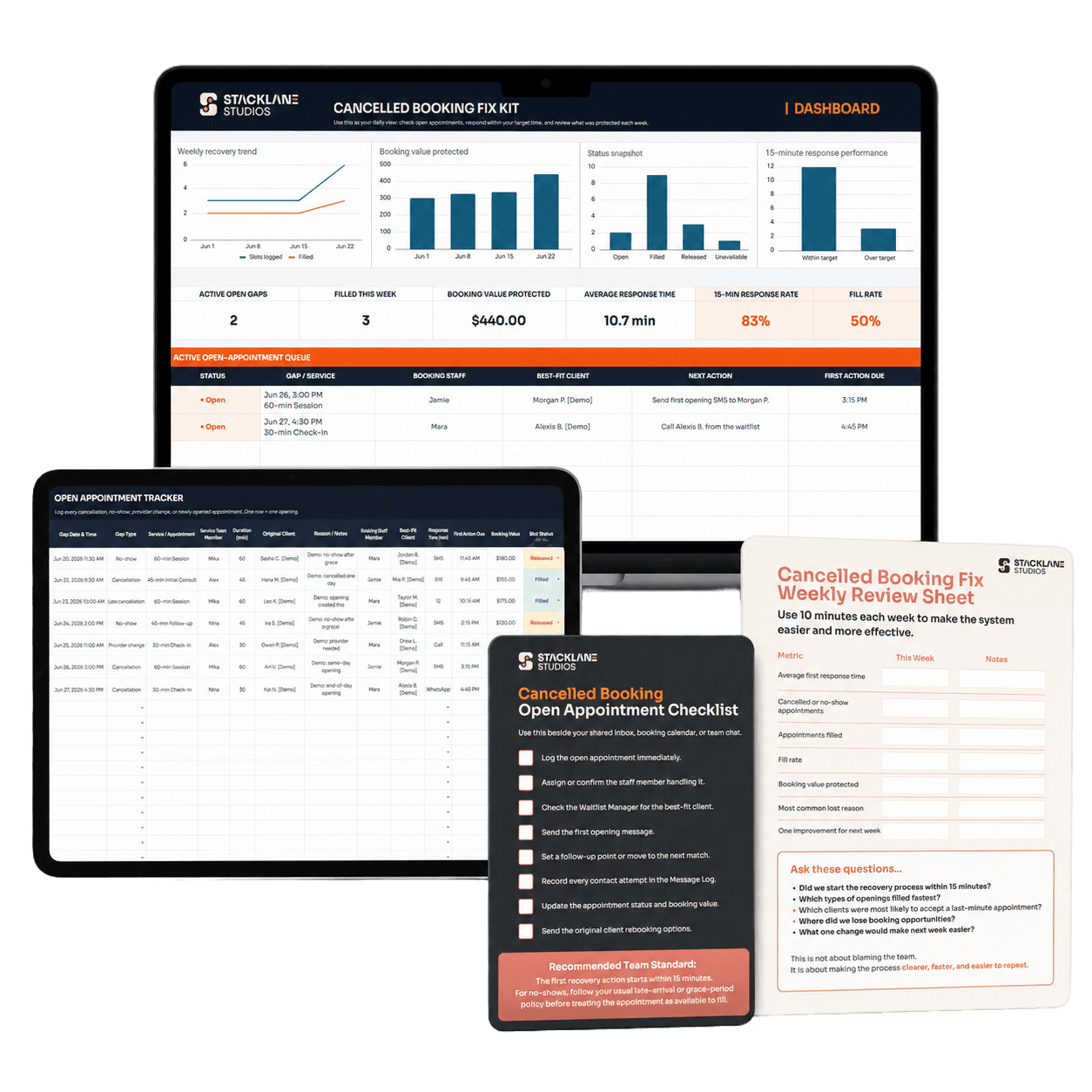
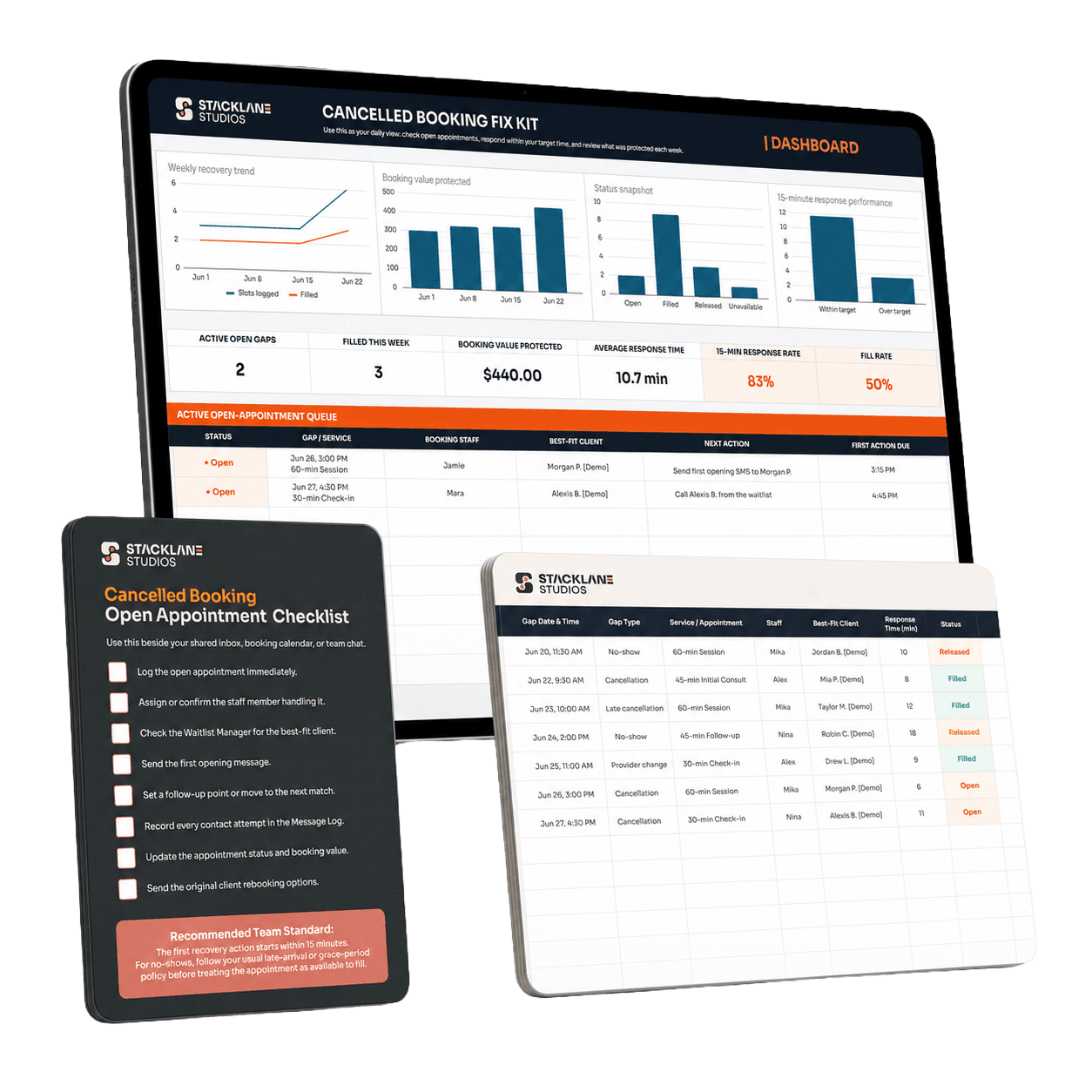
The step-by-step action sheet for handling a cancellation without stopping to figure out the process.
A simple way to decide who gets contacted first, instead of relying on memory.
Ready-to-send SMS and email templates for openings, follow-ups, and confirmations.
One shared place to record the opening, who is handling it, outreach, and slot status.
A linked Google Sheet showing response time, fill rate, and booking value protected.
A short weekly check-in to spot slow responses and the one thing to improve next.
Together, these tools turn “someone cancelled” into
a visible, repeatable process your whole team can follow.
Your team does not need to remember a complicated process. They need clear tools, a shared workflow, and a fast next step.
Not every cancelled appointment can be filled. Some openings will be too last-minute, too specific, or simply impractical to offer.
But every cancellation deserves a clear recovery attempt while there is still time.
If one recovered appointment is worth more than $47 to your business, the kit can pay for itself.
Everything your team protects after that is booking value that may have otherwise disappeared into an empty slot.
Extra SMS and email scripts for same-day openings, short-notice cancellations, extended appointments, specialist services, and customers who need a stronger reason to reply quickly.
Ready-to-send follow-up messages that help you rebook no-shows without sounding awkward, pushy, or disorganized.
A ready-to-send outreach sequence for building a stronger list of customers open to earlier appointments, short-notice openings, and flexible times.
Included with the Cancelled Booking Fix Kit at no extra cost.
Cancelled Booking Fix Kit
$47 one-time payment
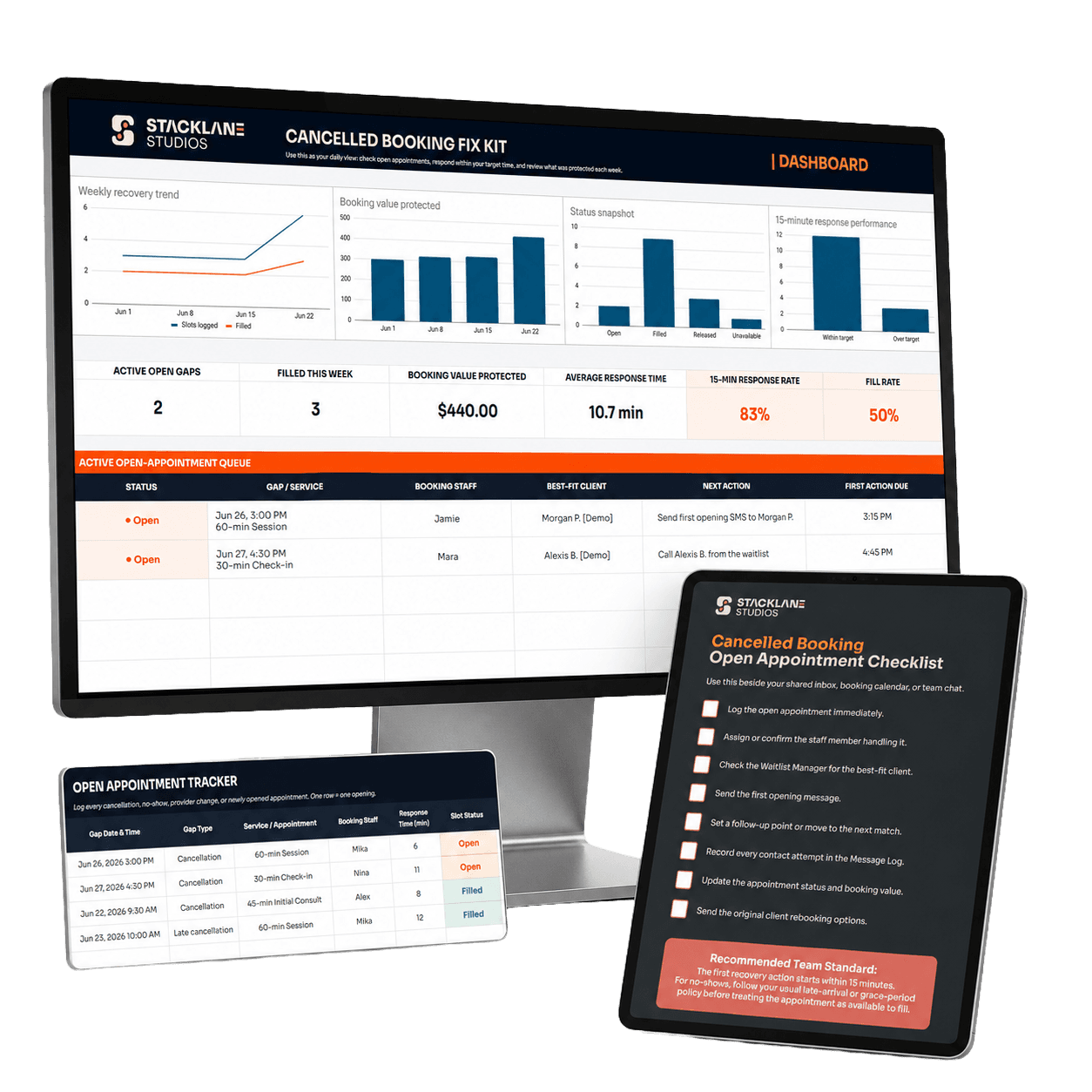
Set up the core workflow in around 30 minutes. Use it on your next cancellation.
No subscription. No complicated implementation project.
No new booking software.
Review the tools, set up the workflow, and decide whether it gives your team a clearer way to handle cancellations.
If it is not useful for your business, email hello@stacklanestudios.com within 14 days of purchase for a full refund.
No. The kit works alongside the calendar or booking software you already use. It gives your team the response routine, trackers, priority rules, and message templates that software alone usually does not provide.
A waitlist is useful, but it does not tell your team who should act, who to contact first, what to send, or whether the opening was actually filled. This kit gives your waitlist a usable recovery process.
It is designed for appointment-based businesses with bookings, cancellations, customer follow-up, and at least three people sharing responsibility for the calendar.
Most teams can set up the core system in around 30 minutes, then use it on the next cancellation or no-show.
No. You need Google Sheets, your existing booking calendar, a customer list or waitlist, and one person assigned to handle each open appointment.
No. Some slots will be too last-minute, too specific, or unsuitable to offer. The kit helps your team respond faster, follow a clear sequence, and see what happened to each opening.
You receive immediate access to the Google Sheets dashboard, trackers, checklists, scripts, guides, bonuses, and setup resources.